Distance at a Glance with Selectable Range Rings
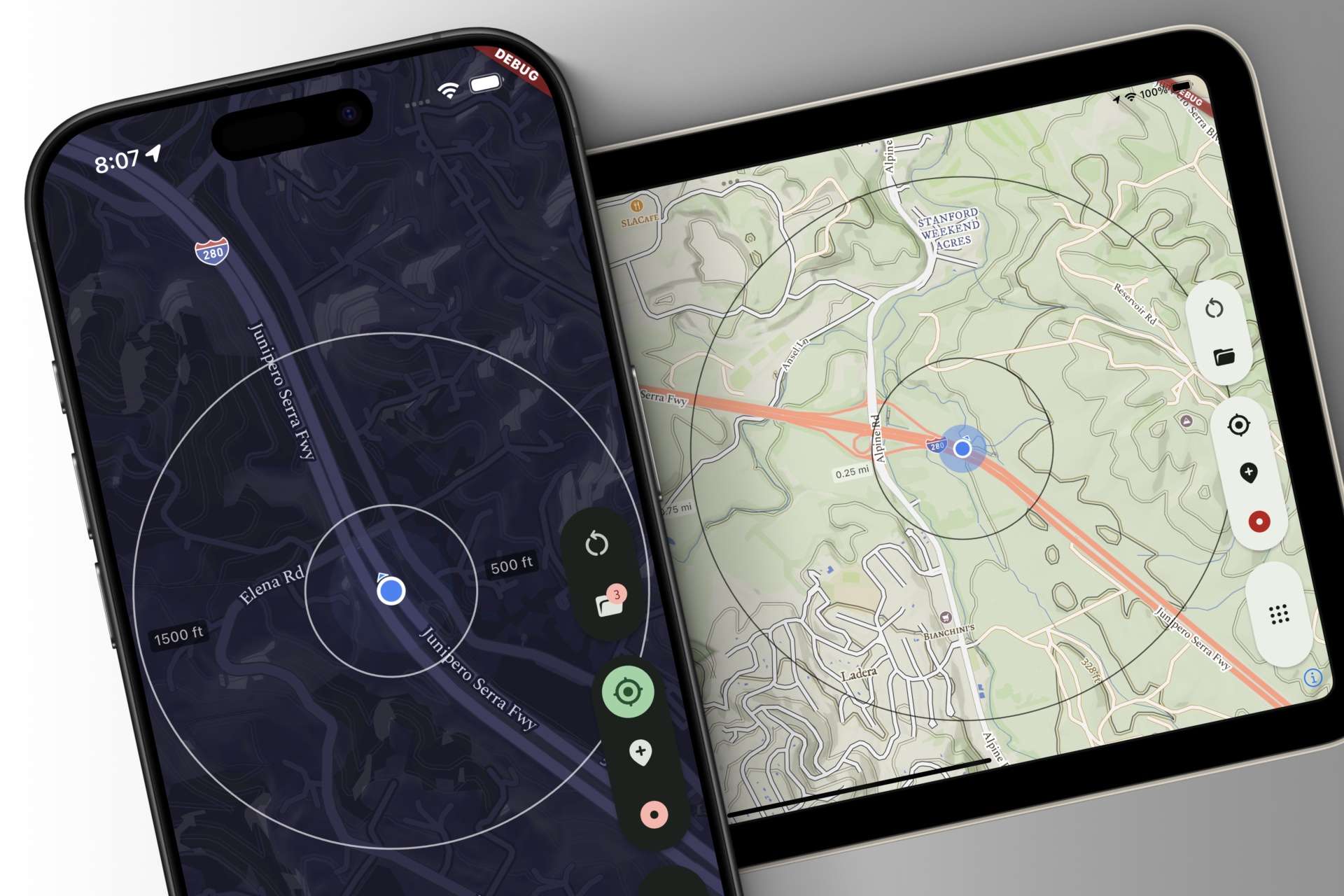
The new Range Ring HUD adds concentric distance circles that scale with zoom, making it easy to gauge how near or far map features are at a glance. Inspired by aviation and marine displays, it’s optional and appears when Follow Puck Mode is enabled.

Read more
Reducing Clutter with the Temporal Visibility Filter

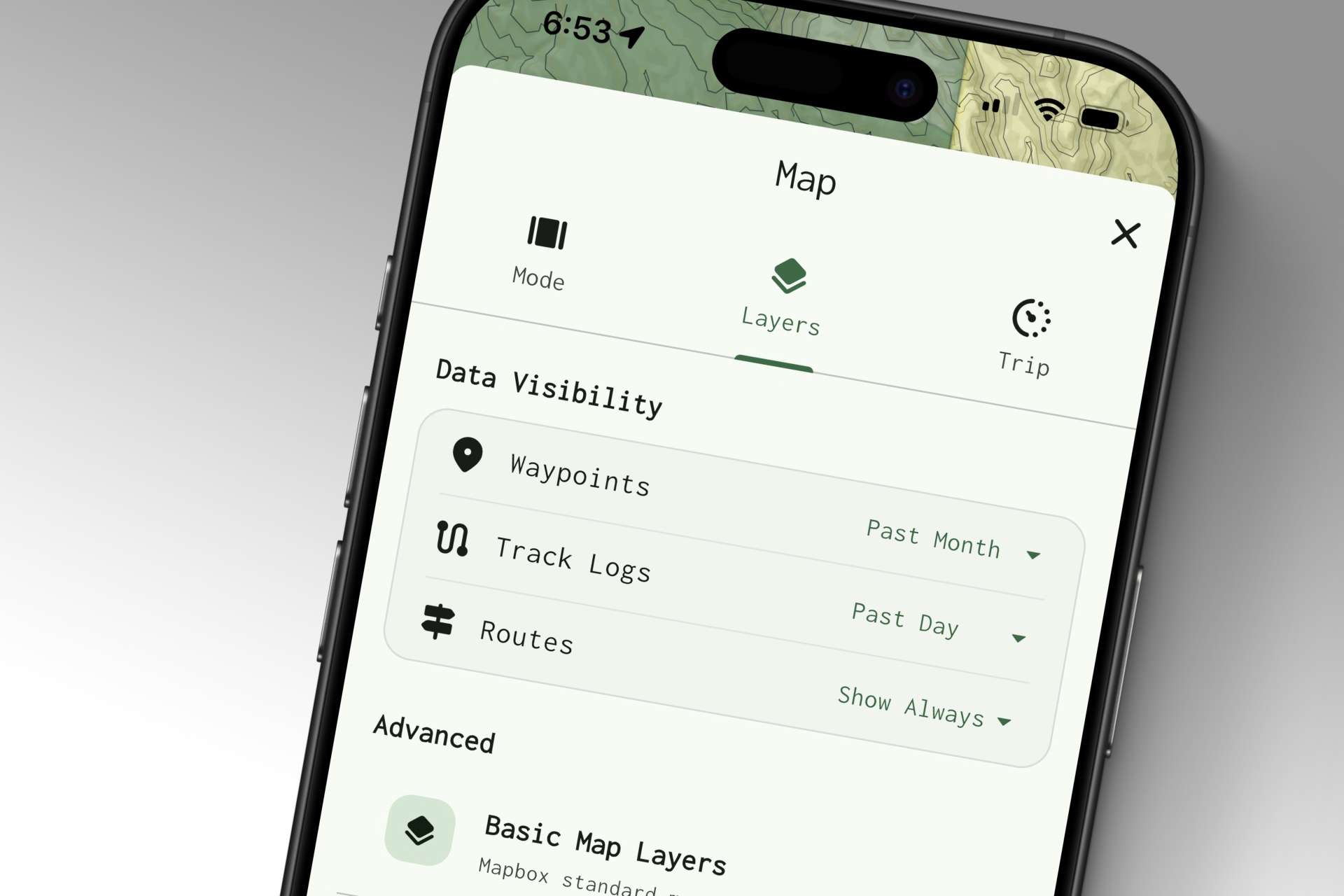
New temporal visibility settings let you keep archival GPS data without cluttering the map — filtering waypoints and tracks by age or hiding them entirely. Alongside haptics and audio feedback for route checkpoints, the week focused on refinements and performance fixes.

Read more

Active Route Utilization with Proximity-Gated Checkpoints

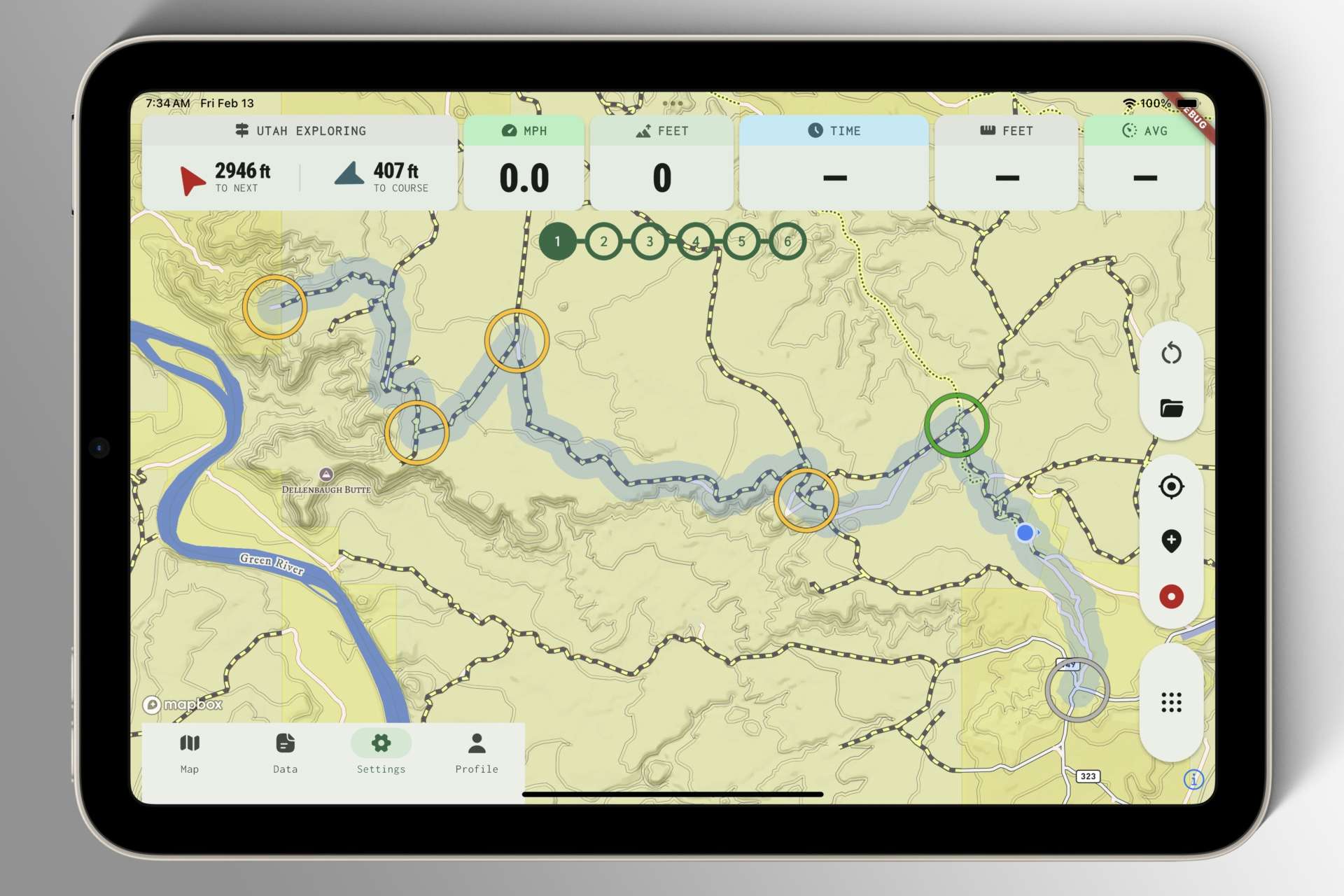
Active Routes track your progress using proximity-gated points, letting the app react as you move. Whether planning precisely or wandering freely, you can skip ahead or rewind with a tap — opening the door to flexible navigation and future trigger-based ideas.

Read more

Making Refinements to Route Planning Mode

Routes are one of the toughest challenges in GPS app design. With varied planning styles and expectations, Mapkind GPS is approaching routes deliberately — starting with solid, intuitive fundamentals and building toward something we genuinely enjoy using.

Read more

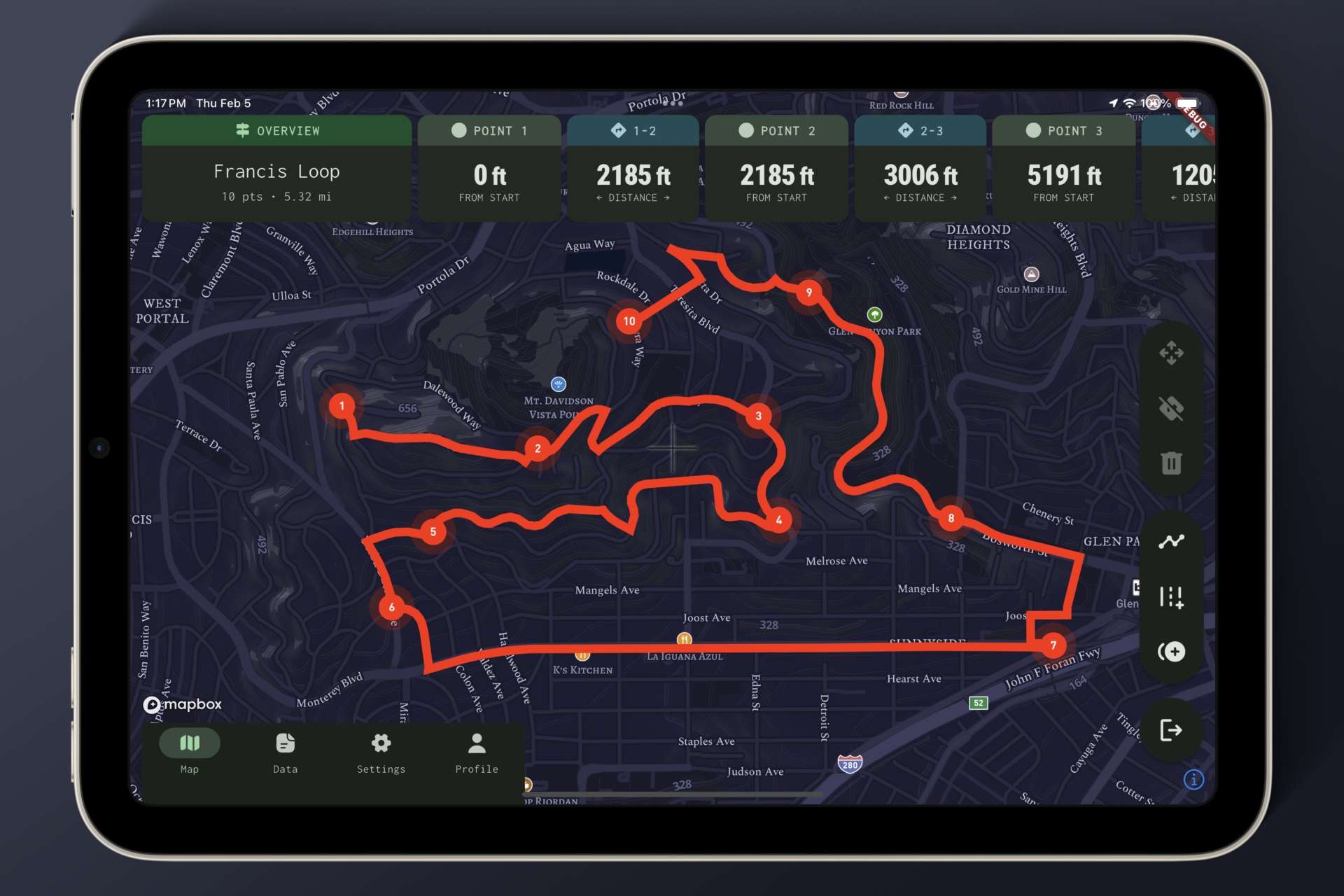
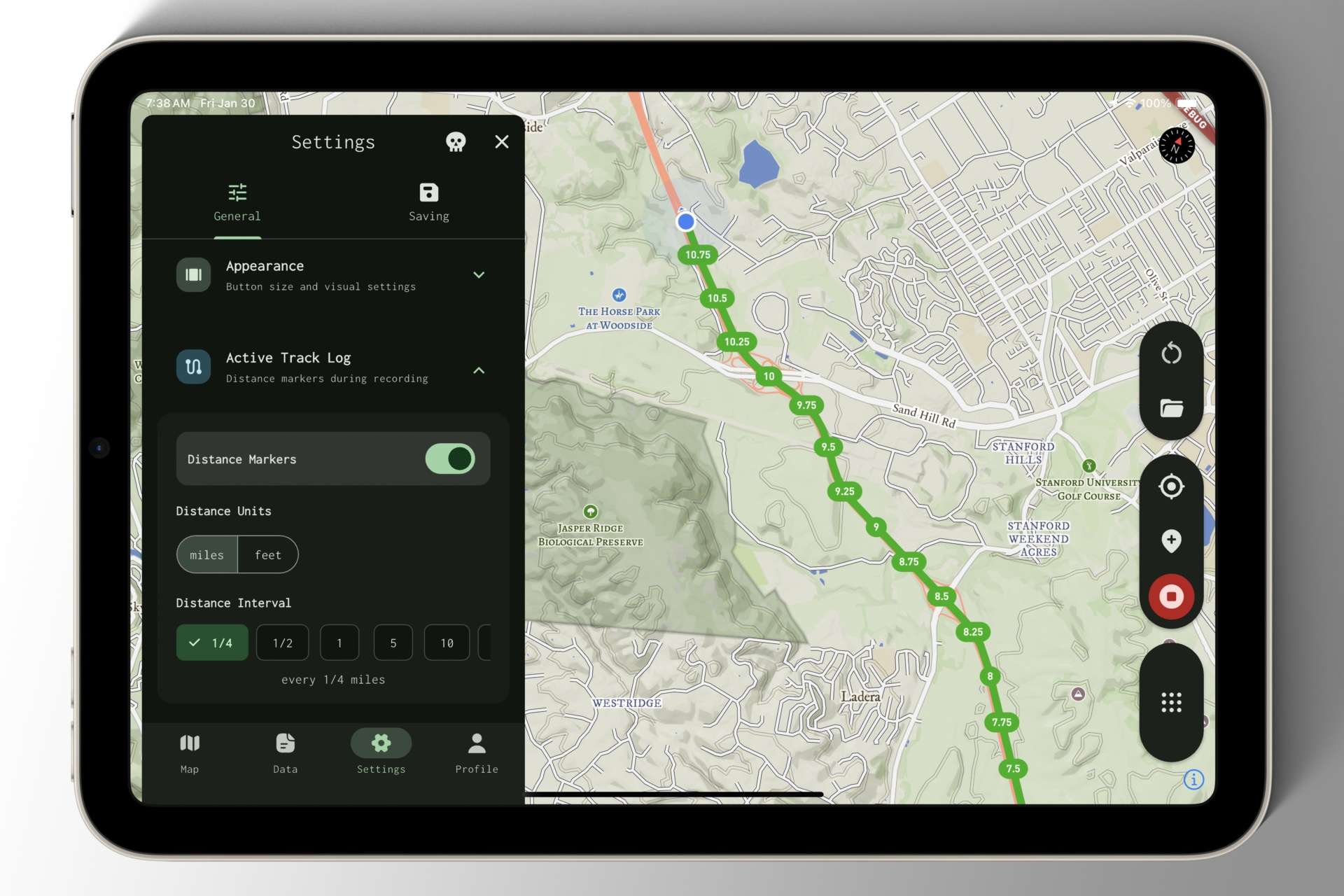
Keeping Tabs on Track Log Progress with Distance Markers

The active track log now renders at a controlled z-axis depth, preventing it from obscuring important map details. I also introduced an early version of distance markers — toggleable, pill-shaped indicators that show your progress directly along the active recording.

Read more

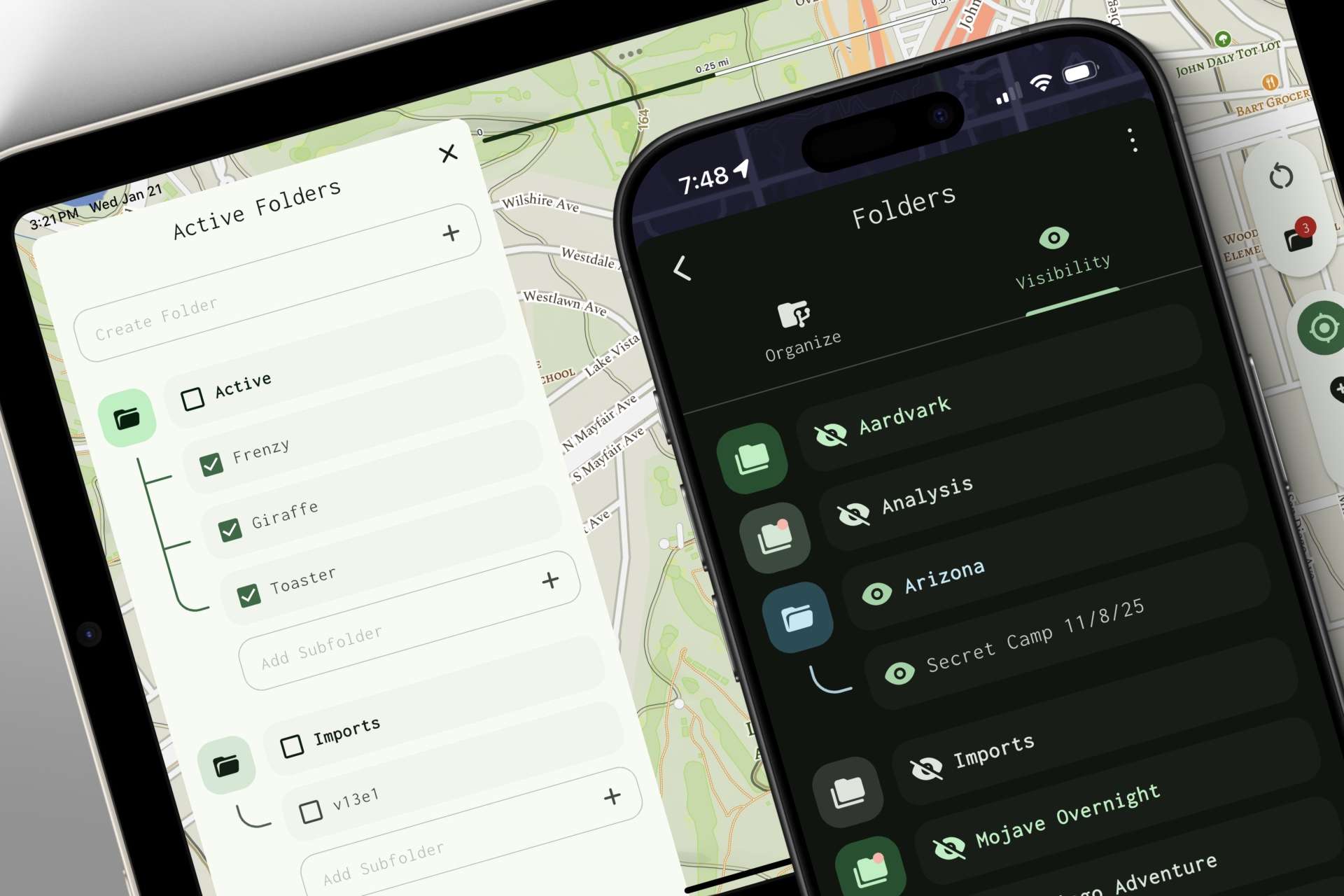
A Reusable Folder Picker Component for Various Contexts

Early on, building folder tools spiraled into multiple variations of the same component. To avoid bloated code and inconsistent UX, I introduced a modular folder picker — one unified design with configurable behavior that works consistently across every context.

Read more

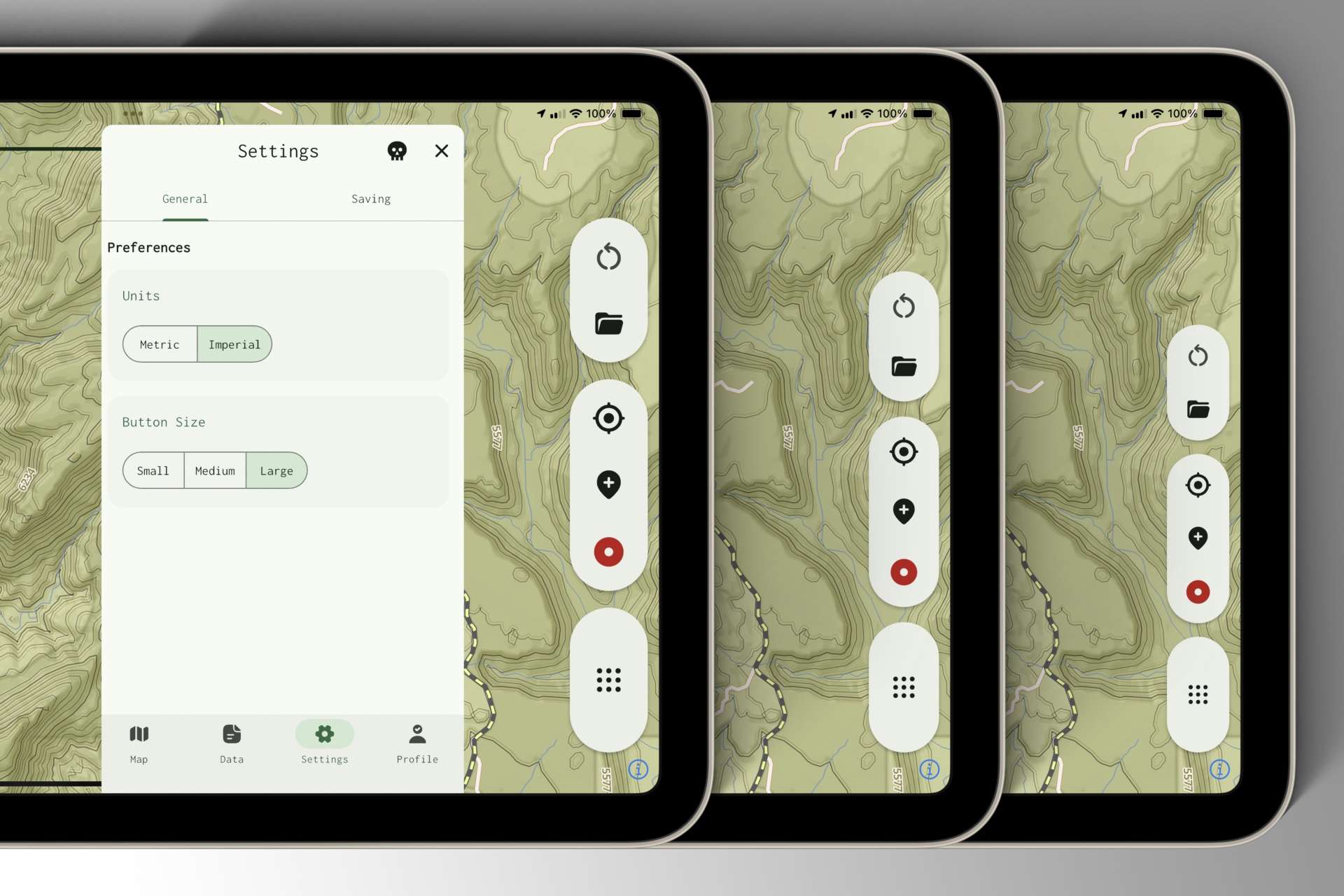
I Like Big Buttons

After a bumpy desert drive made toolbar buttons hard to hit, I fast-tracked customizable button sizing in Mapkind GPS. Base sizes now adapt to phones and tablets, with Small, Medium, and Large options to fine-tune comfort across devices.

Read more

Let There Be Dark Mode

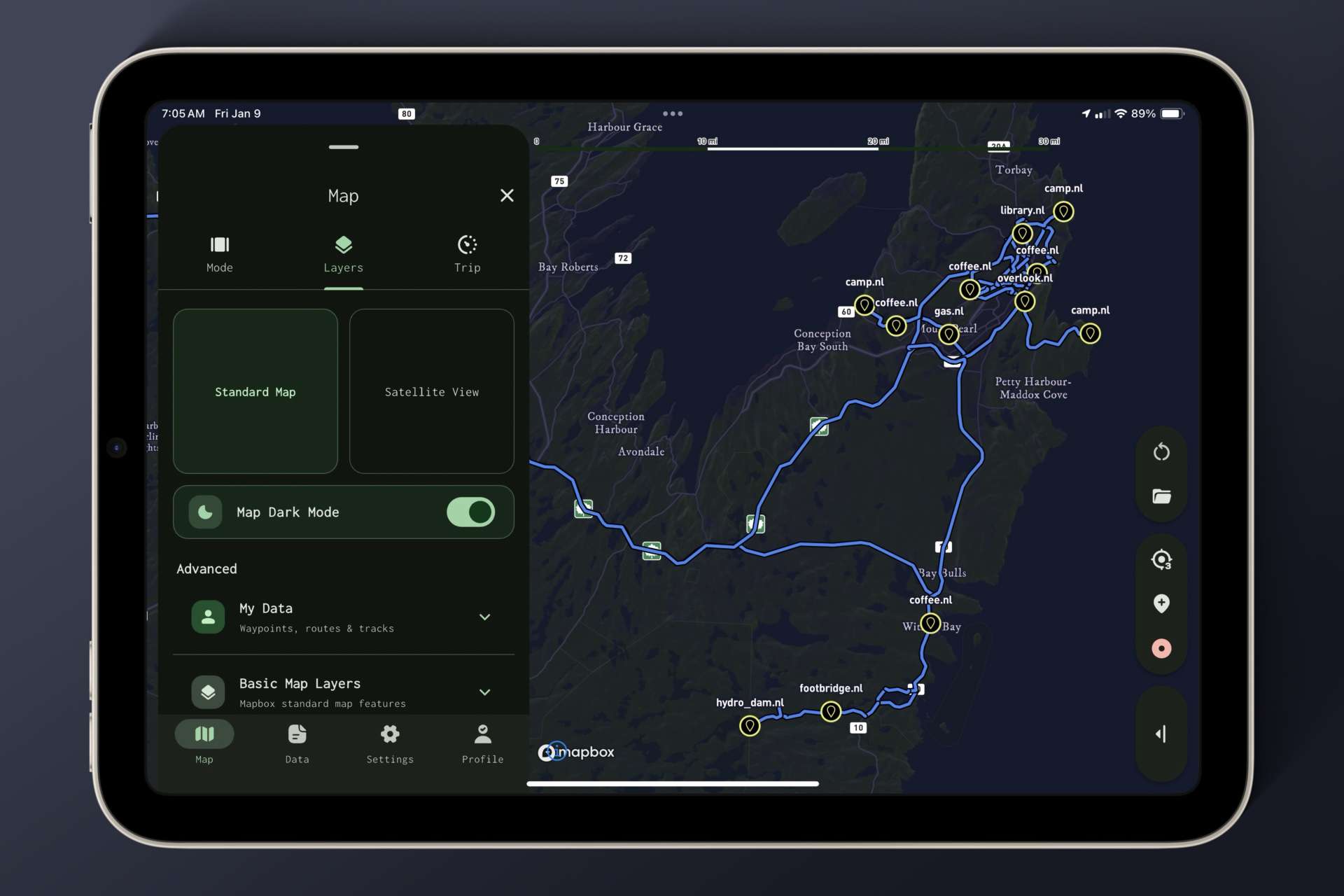
Dark mode has arrived for the standard map. While UI components already responded to system appearance, adapting the map itself required a new approach — this first iteration lays the groundwork for better contrast, refined hues, and night-friendly exploration.

Read more

The Unhinged Flexibility of Naming Presets

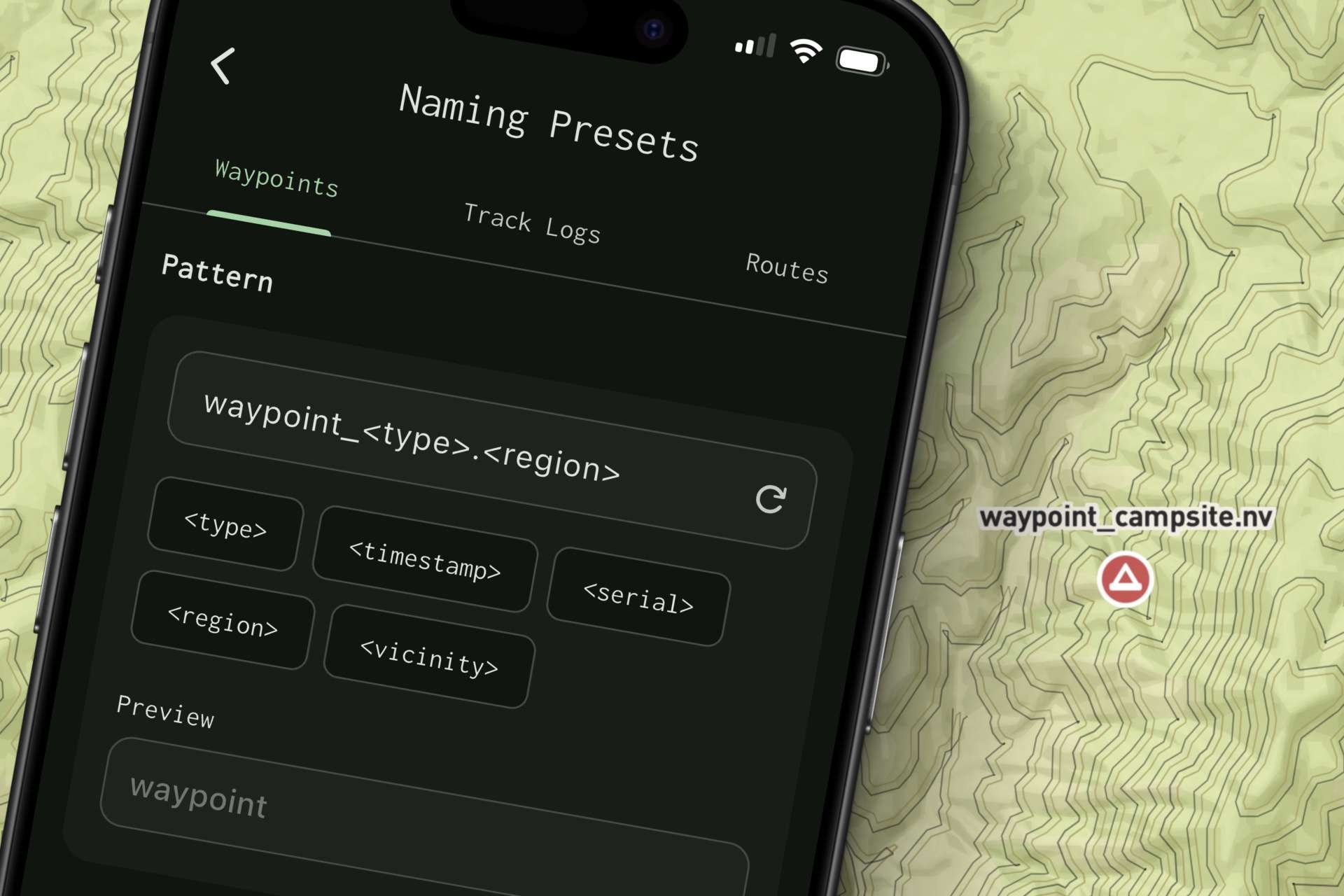
Everyone names waypoints and track logs differently. Mapkind GPS makes it easy to customize naming suggestions, so saving data with a single tap — and a meaningful, context-aware name — fits naturally into your workflow, whether you’re on a quick hike or a long journey.

Read more

Built to Handle Large Volumes of GPS Data

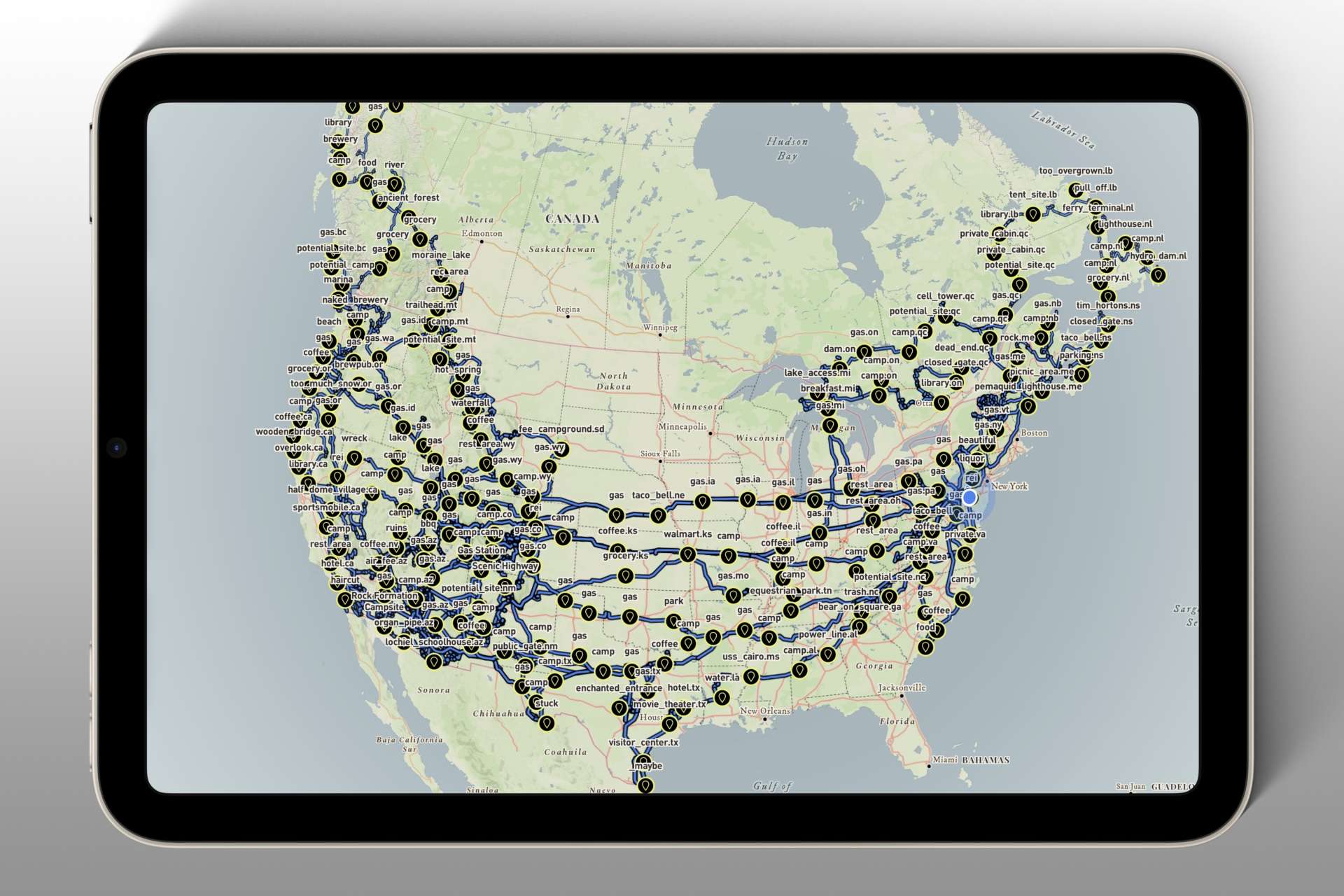
Years of real-world travel produced thousands of waypoints and millions of track points, shaping Mapkind GPS into an app designed to ingest, sync, and render massive datasets without crashes — using vector map tiles to keep performance smooth and stable.

Read more

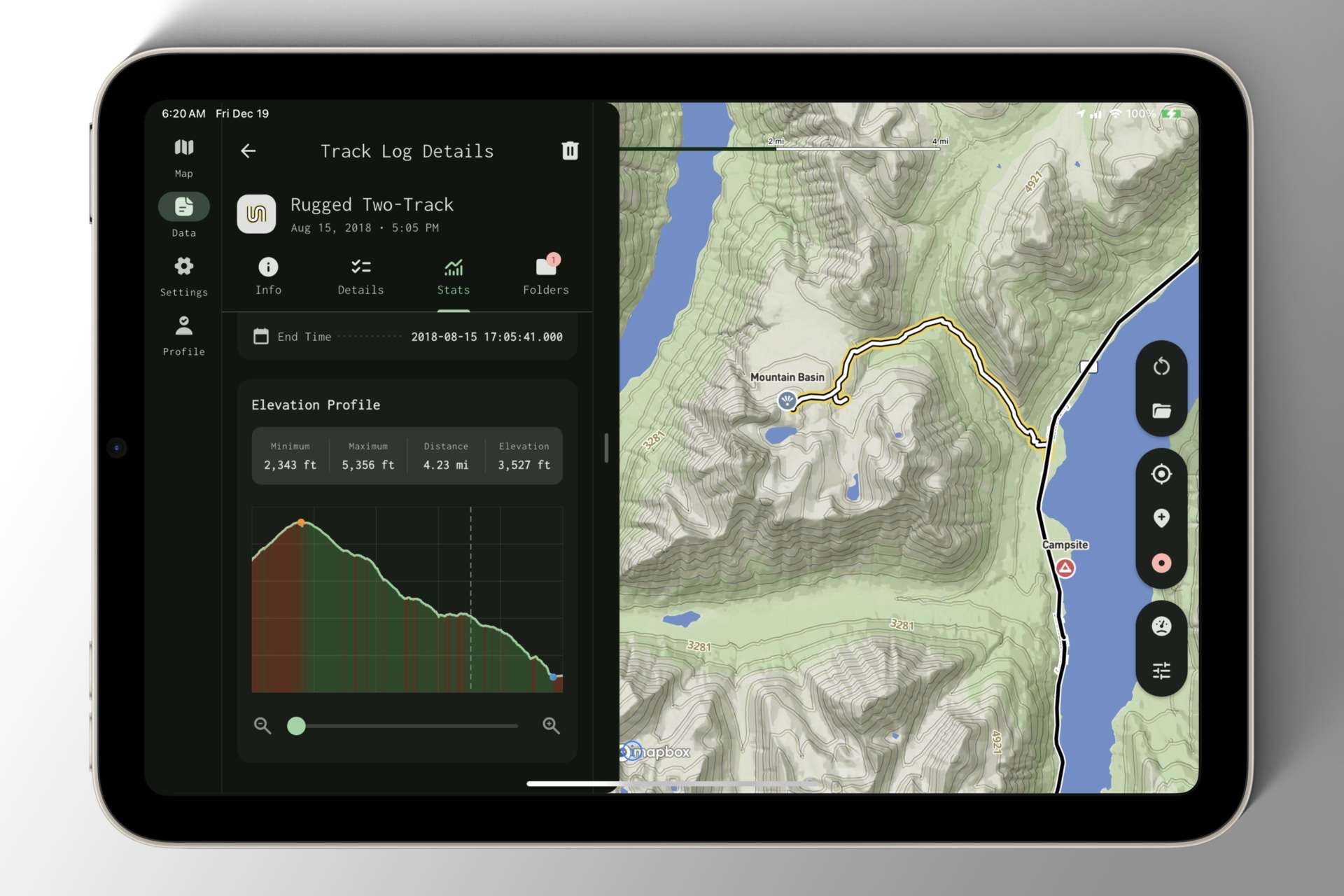
An Early Iteration of the Tablet Layout

Until now, I’d mostly tested Mapkind GPS on my phone, but a day of exploring Tucson’s backcountry with an iPad mounted in the Defender quickly exposed how much the tablet experience needed rethinking.

Read more

Enhancing the Preview Map with Pan, Zoom, and Frame Content

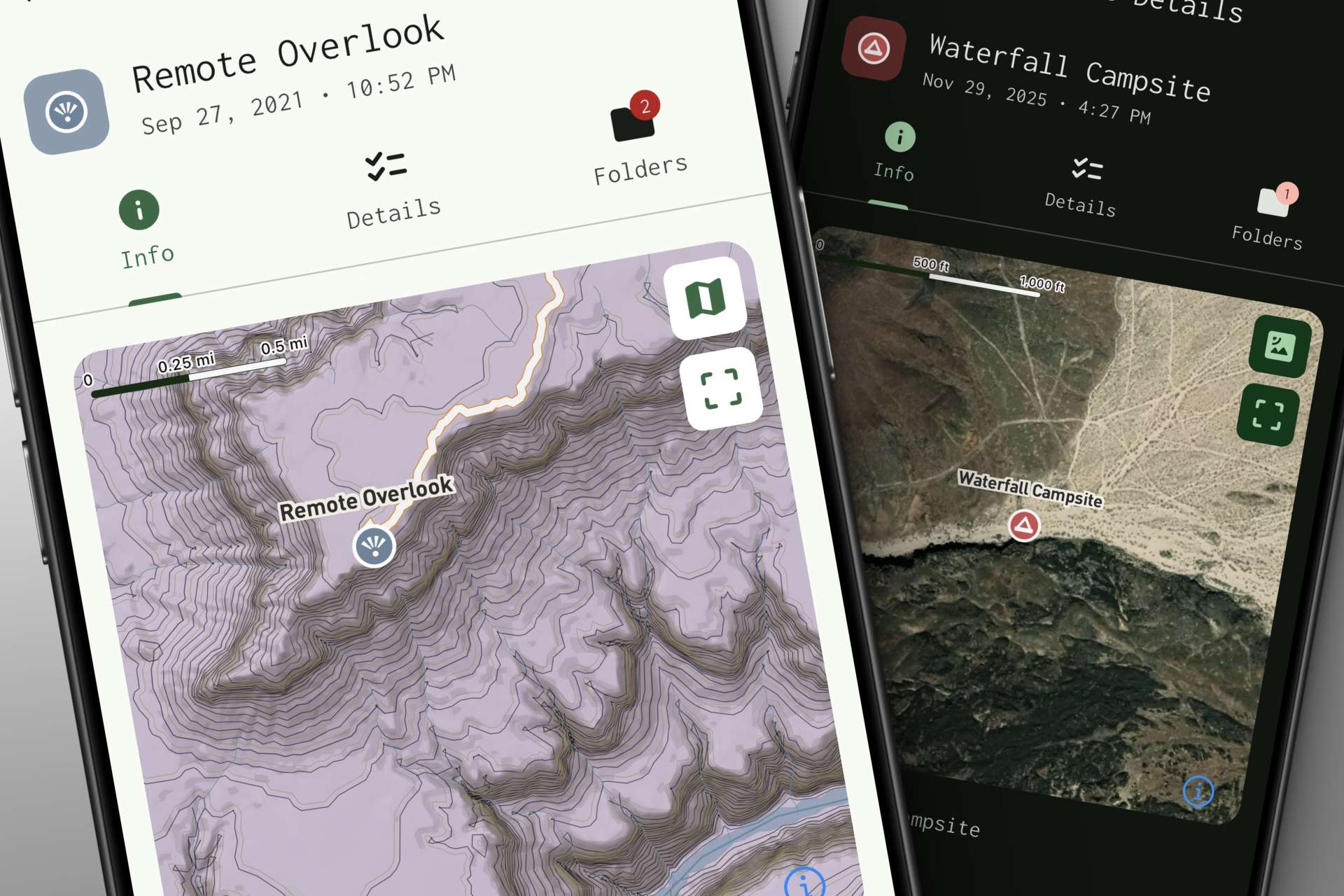
The entity detail view now includes a lightweight preview map that lets you quickly visualize waypoints, track logs, routes, and folders at a glance. With pan, zoom, map-style toggles, and a one-tap re-frame button, it adds helpful context to your navigation data.

Read more

Refining the Entity Type Picker

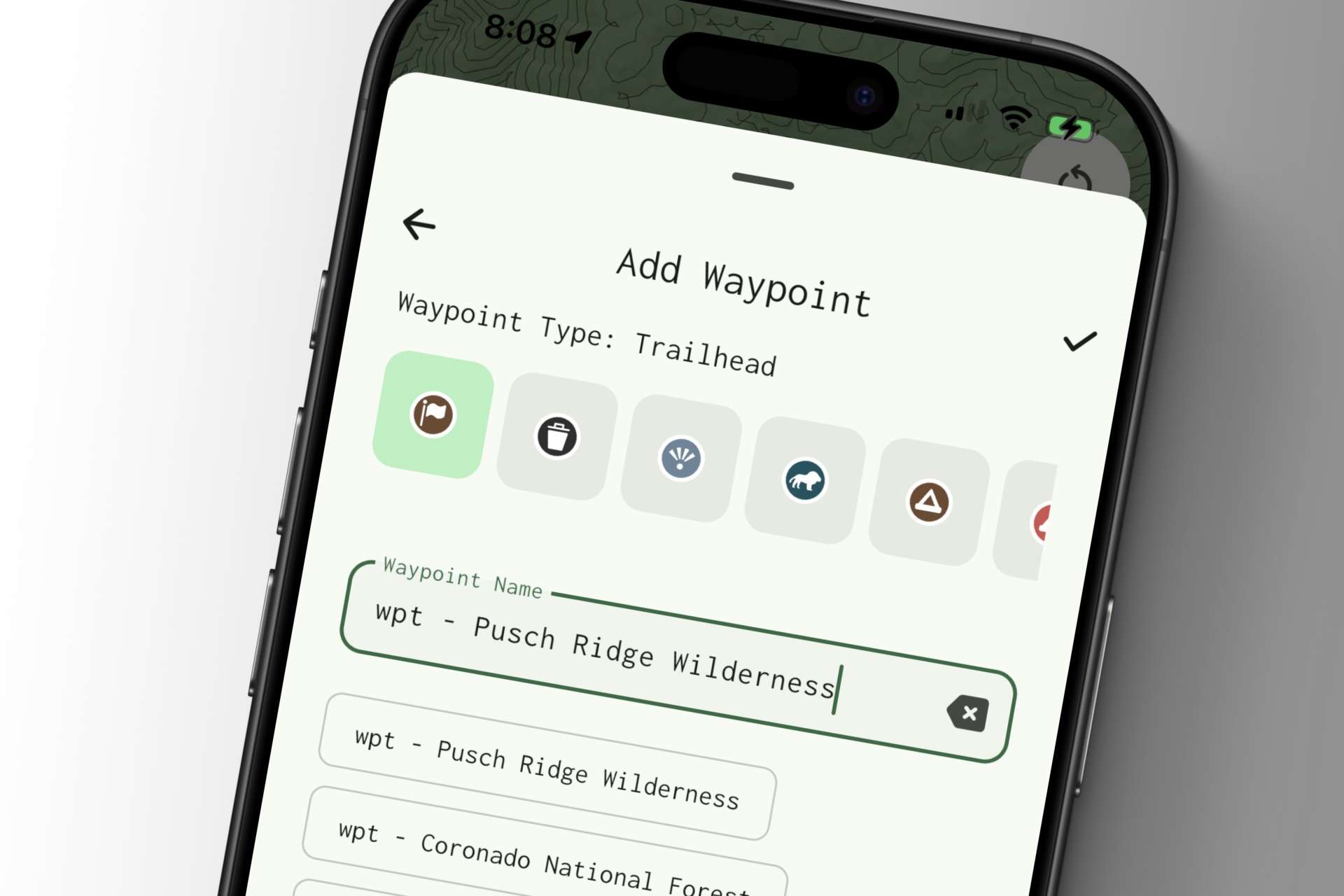
When it comes to enriching your waypoints and track logs, the latest version of the Type Picker makes it easier to mark things like campsites or trailheads — either right away or later on. It’s all about keeping your data organized without getting in your way.

Read more

Shoring up the gauge cluster with a new metal binnacle and support from Raptor Engineering

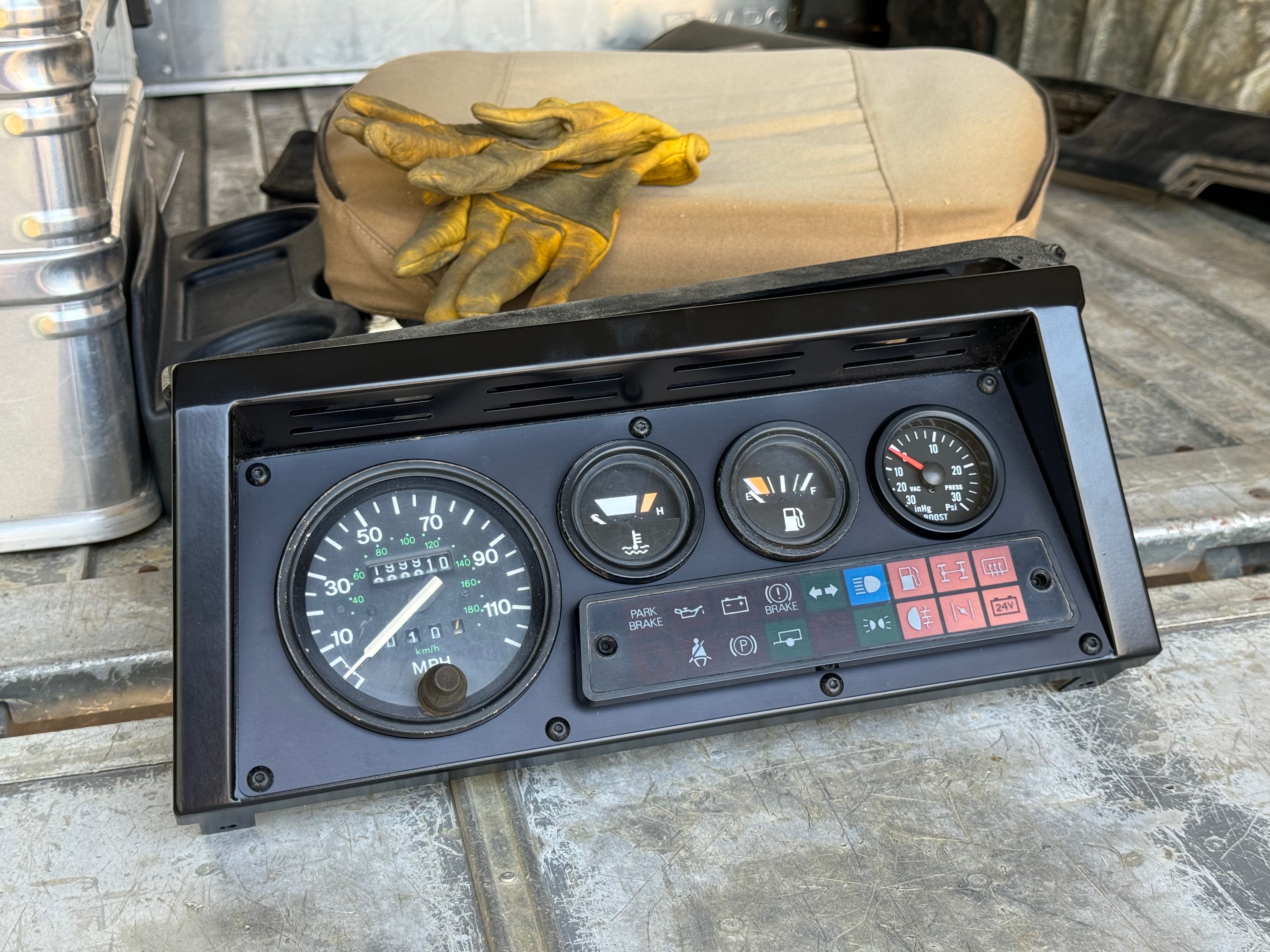
When I first saw the Raptor Engineering Deluxe Binnacle, I immediately regarded it as a must-have. The metal construction is an elegant and permanent solution to the broken gauge cluster problem.

Read more

A personal touch to refine the Defender – wooden shift knobs crafted out of skateboard decks

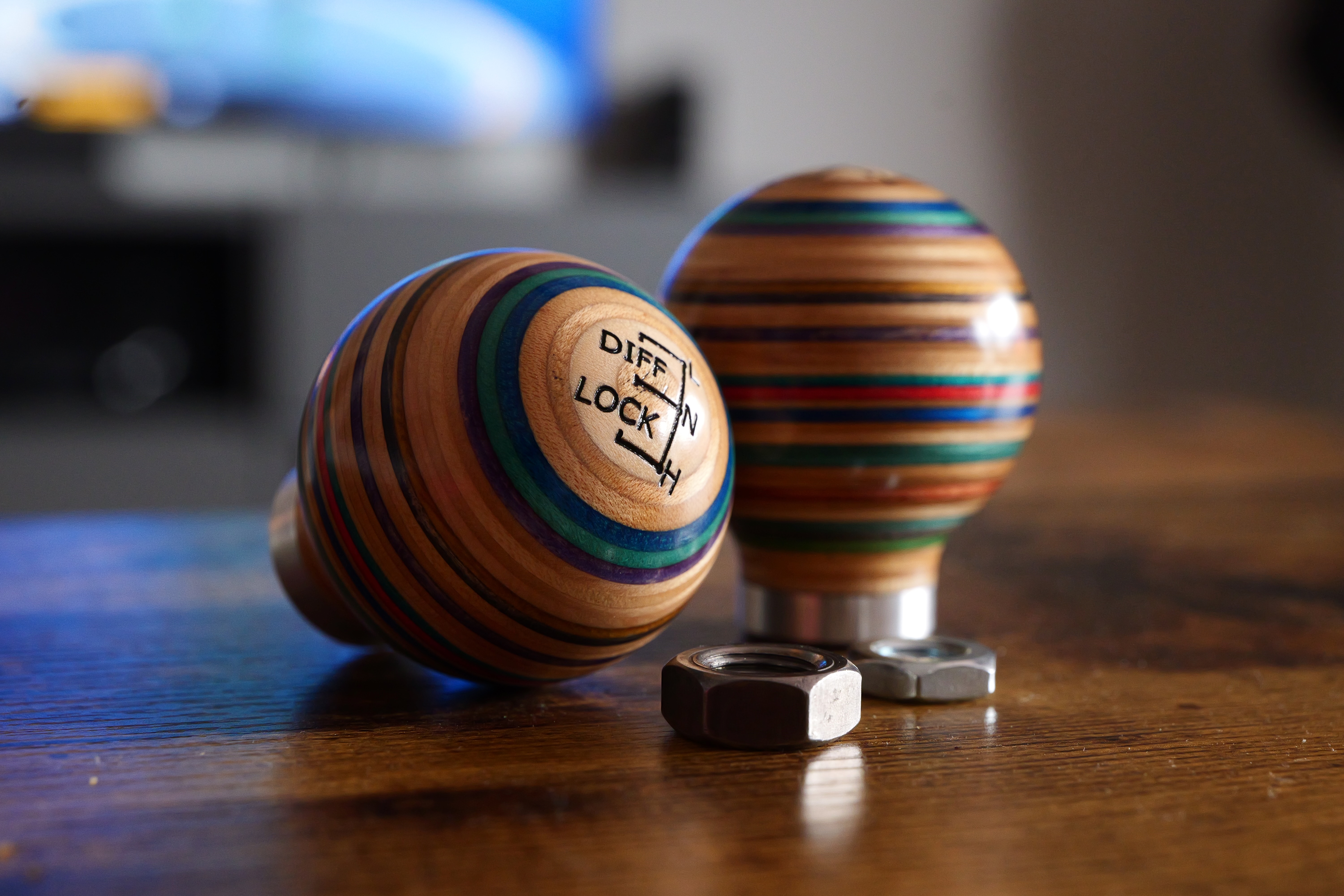
So much time and energy is spent just keeping the Land Rover from hemorrhaging all of its fluids, and maximizing its off-road capability. Let’s put that aside for a moment and add something fun – wooden shift knobs made from old skateboard decks. Rad!

Read more

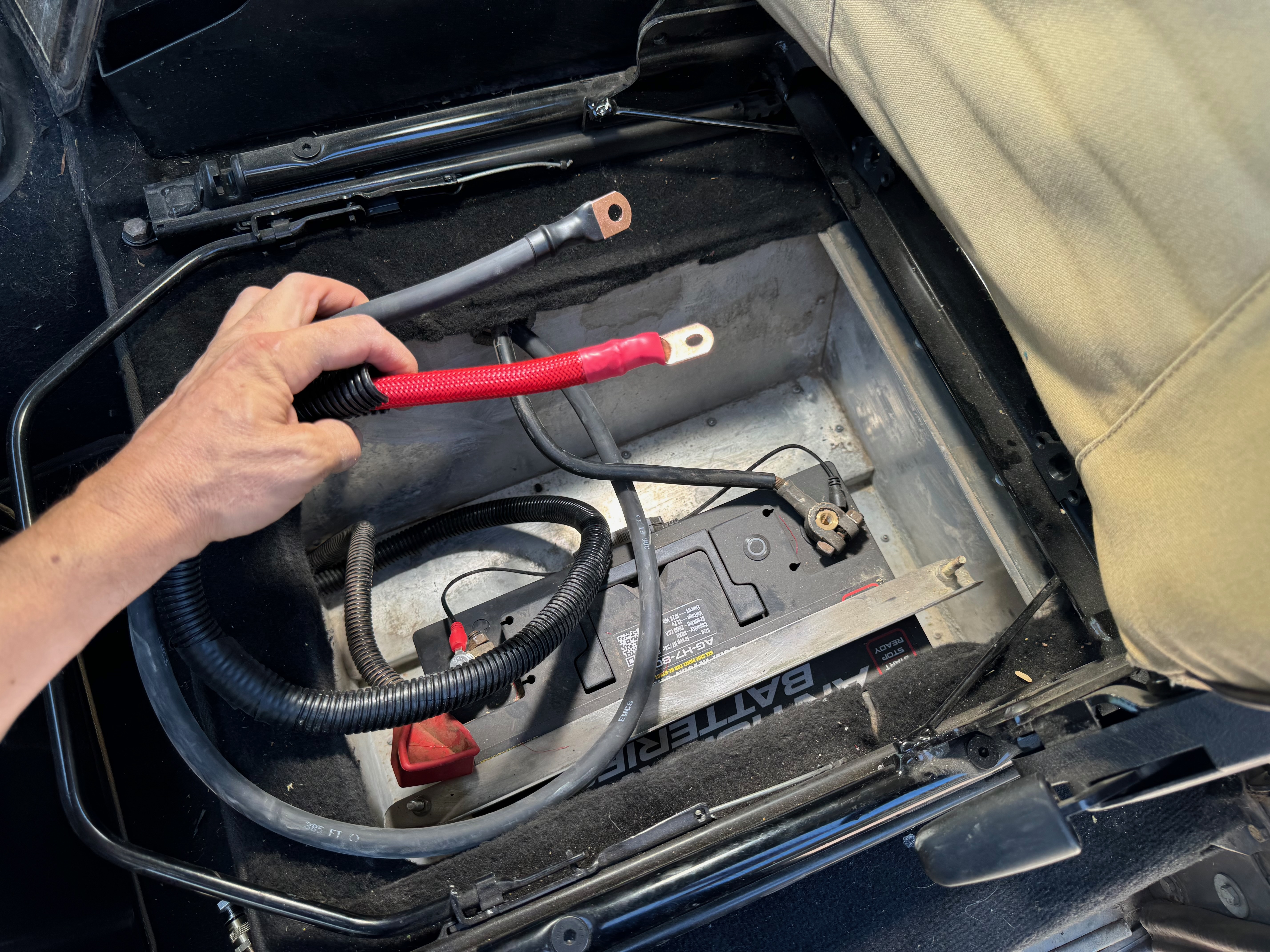
Finishing the Defender winch install – long power cables to reach the battery under the passenger seat

The original power cables on this electric winch aren’t nearly long enough to reach the battery compartment of our 1991 Land Rover Defender 110. I fix that with some custom wiring!

Read more

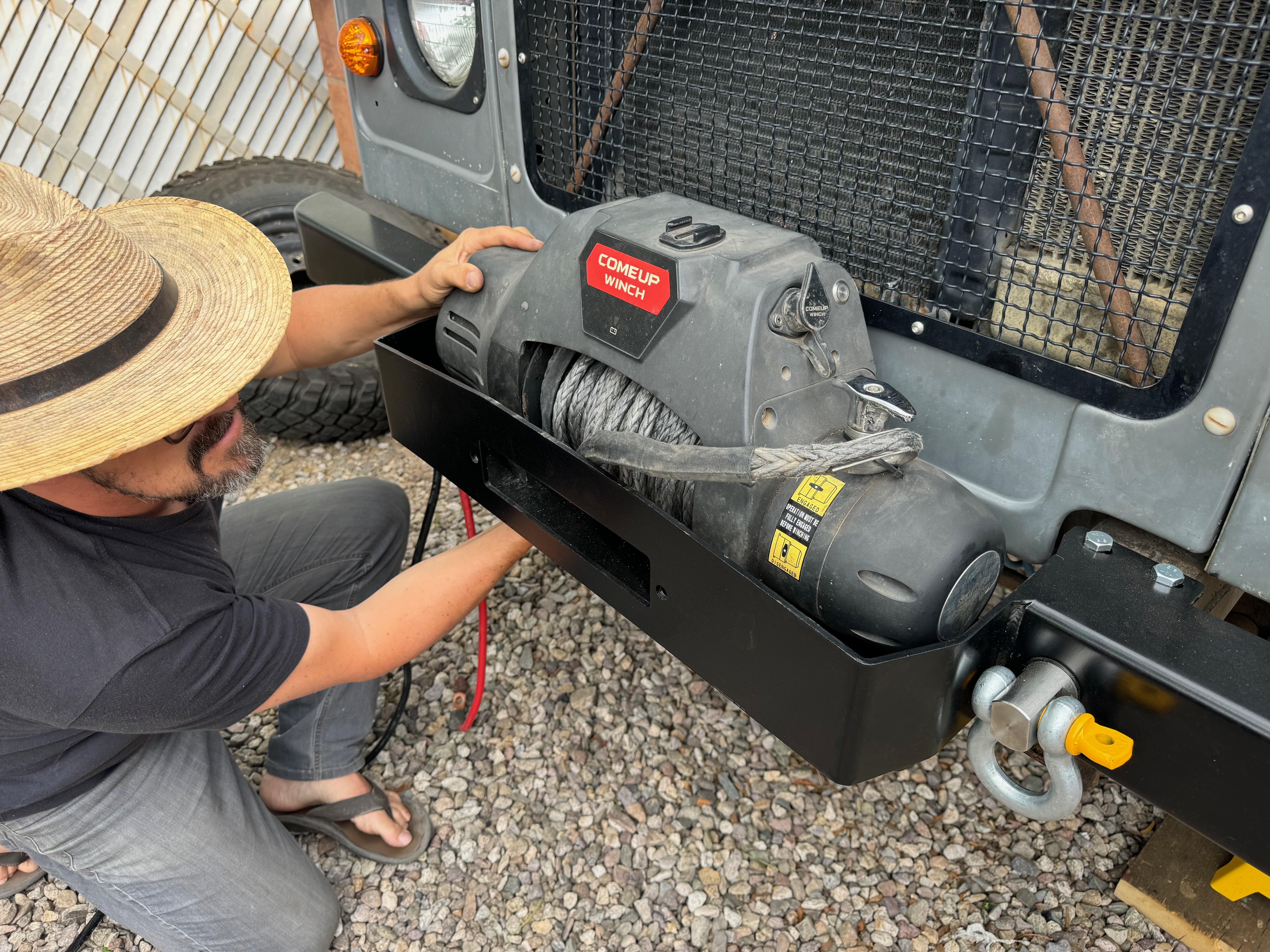
Sourced the correct bumper for the Defender with the COMEUP Winch, and now we’re ready to install

I was looking for a very simple, utilitarian steel bumper that matched the form-factor of the stock Defender bumper, but one that included a winch tray that would accommodate my old, discontinued COMEUP Winch 9.5si.

Read more

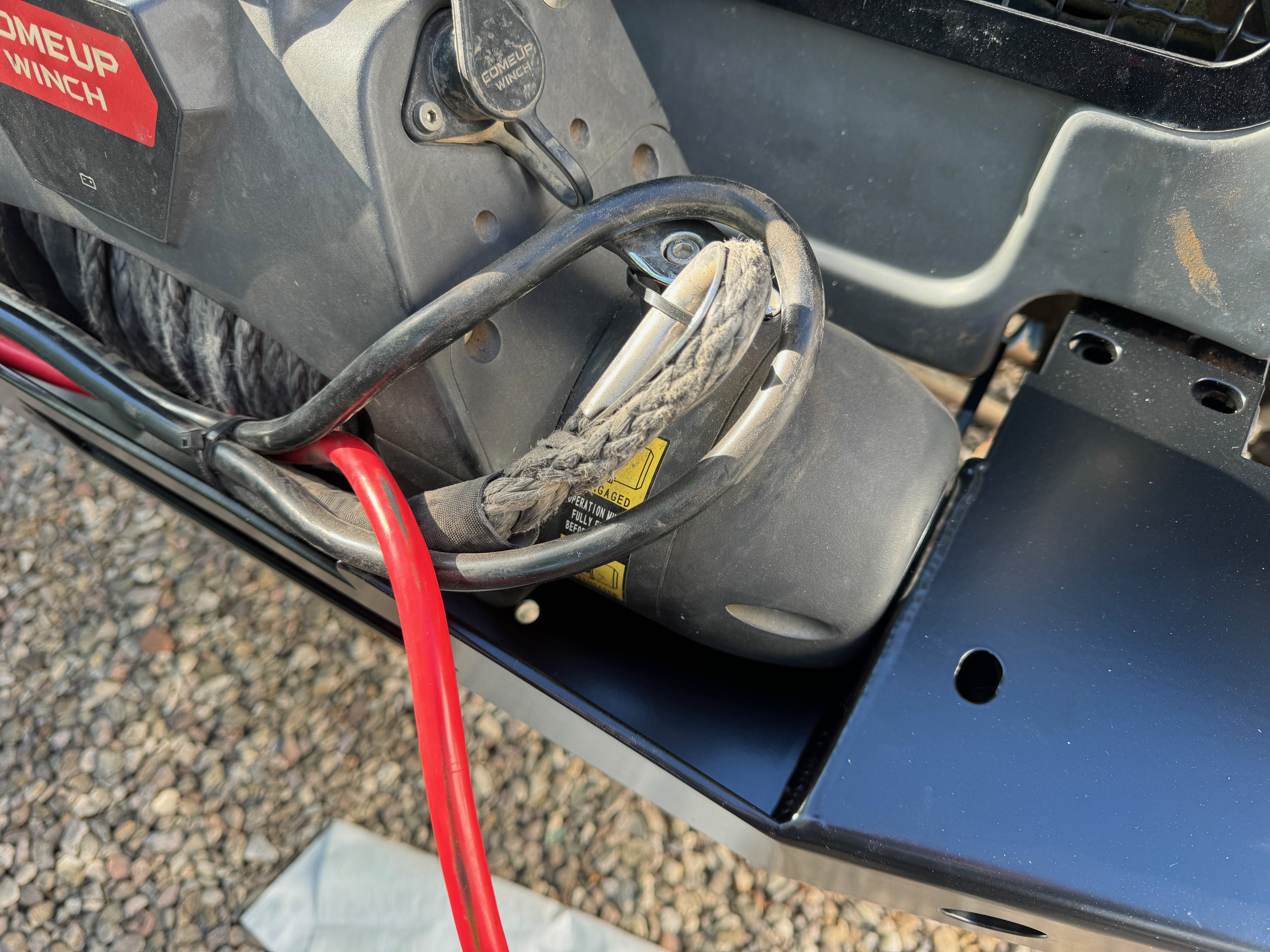
Well crap – this bumper is not going to work with my winch so I need to swap it out with another

The bumper I received was of good quality, and looked great on the defender. While the winch fit in the cavity nicely, and the bolt pattern was correct, the footprint and fairlead opening were offset for winches where the gear-box side is shorter than the motor side.

Read more

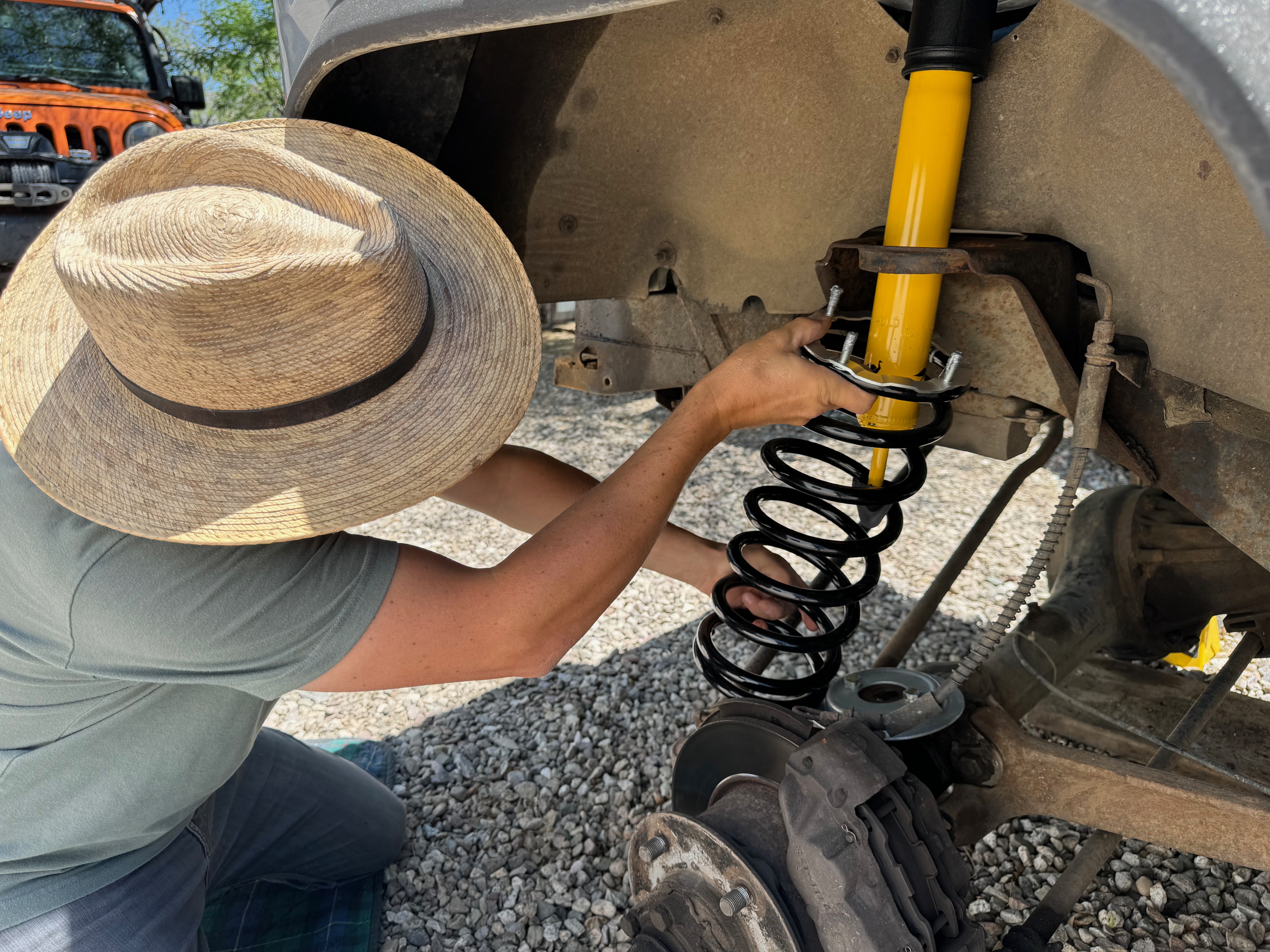
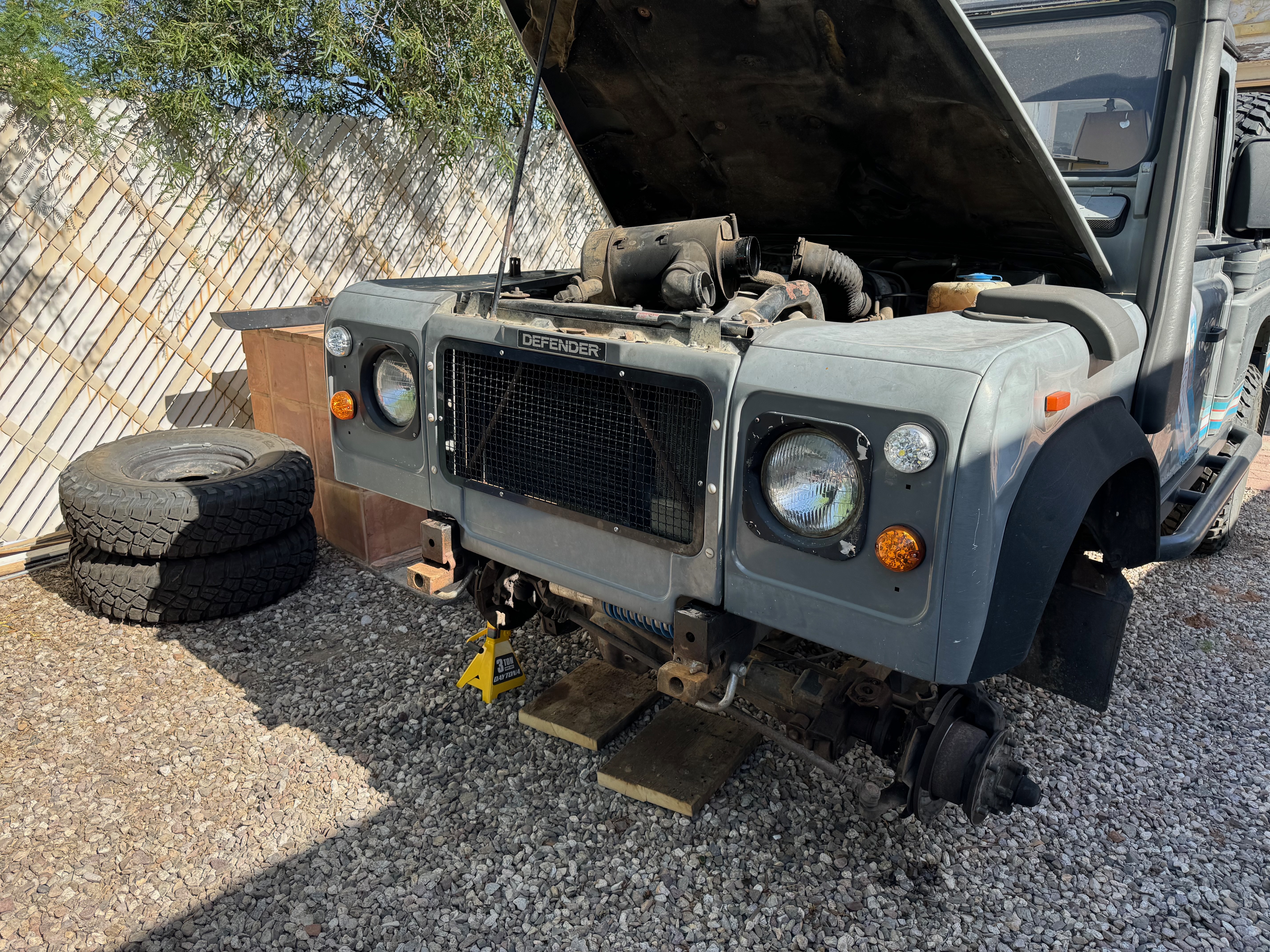
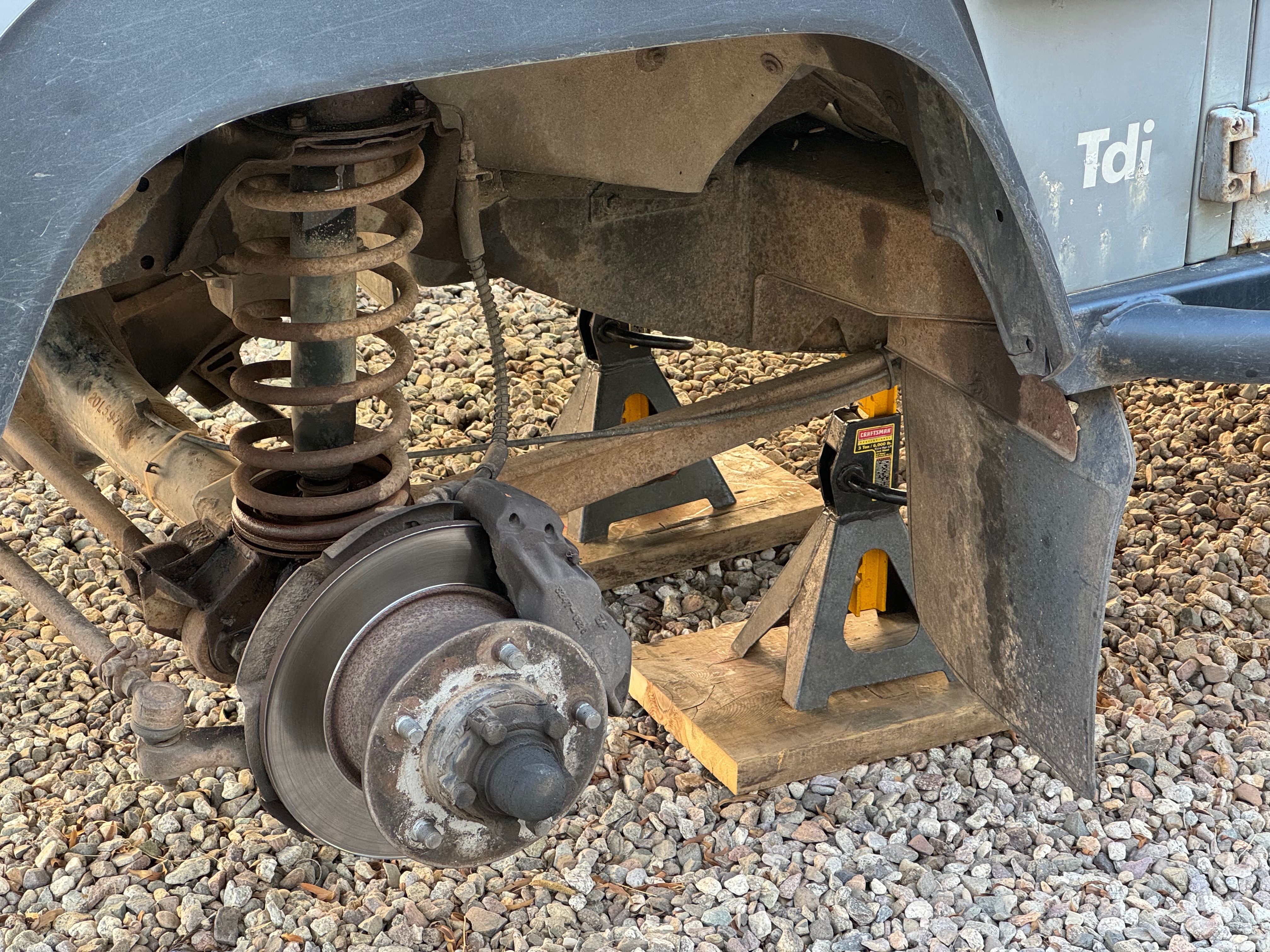
Installing the front suspension on the Defender is easy and uneventful with shiny new parts

I’m freshening up the front suspension on our 1991 Land Rover Defender 110, first to remove saggy springs and rusty parts, and second, to rejuvenate the ride height and provide appropriate support for a future winch bumper.

Read more

The old front bumper has to be removed from the Land Rover to make way for a new winch bumper

While waiting for the remaining suspension parts to be delivered, I took a moment to remove the original front bumper from the Defender. How hard can it be, right?

Read more

Dismantling the front suspension of the Defender to make way for the new springs and shocks

I doused everything with penetrating oil days in advance, so all of the rusty bits had a good soak. I first removed the nut from the bottom of the shock. The axle dropped, and the coil spring had enough slack to flop around freely. Then I removed the shock tower through the engine compartment, and tossed everything into the bin.

Read more

List of new parts, ready-to-install, and making the Defender more trail-ready with some essential accessories

Here is everything that is lined up to be installed on our Land Rover Defender, as of May 2024. Most of these parts have accumulated over the past year.

Read more

A chronicle of the improvements I make to our Land Rover Defender 110, but first a little bit of context

There isn’t a straight body panel on the truck, and it appears to have been through hell. It can just about reach highway speed. It farts plumes of black smoke. The electrical system is pure madness. There is so much rust on the frame, it’s only held together by sheer British grit. It’s perfect.

Read more

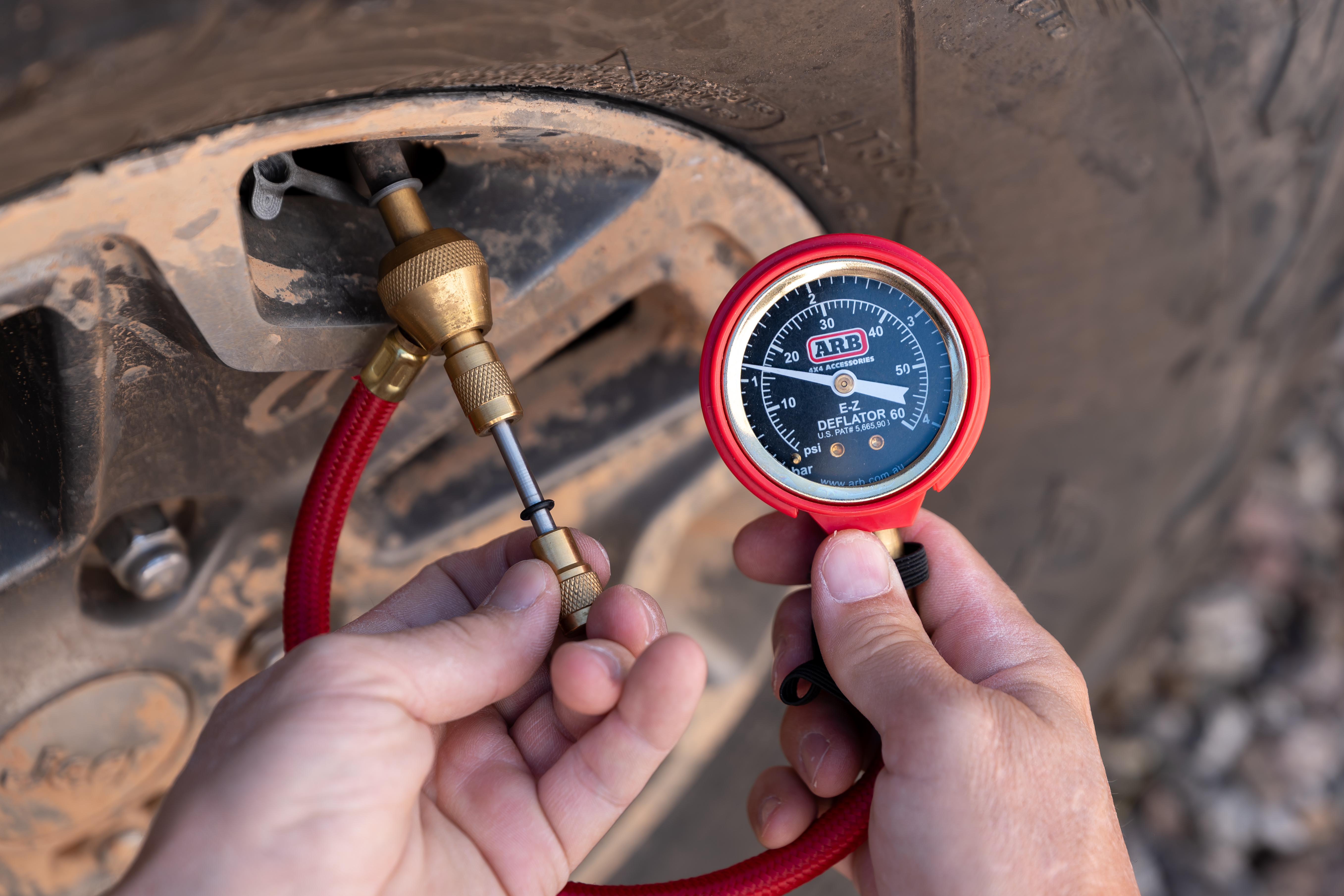
The Best Air-Down Tools for Overland Adventure

As we embark on four-wheel drive adventures, it’s common practice to release tire pressure for traction, comfort, and durability. These tools and techniques make airing-down easy!

Read more

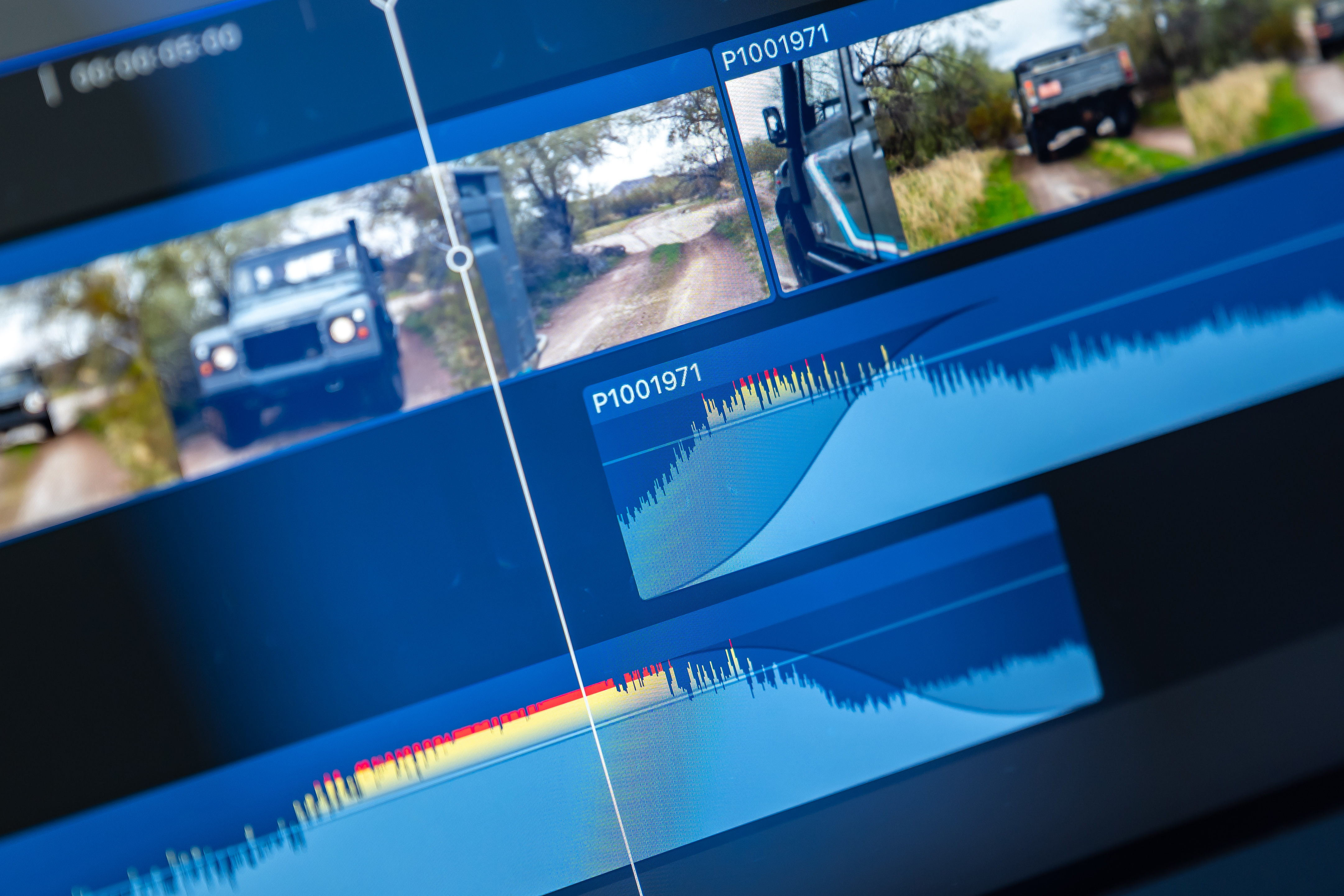
Smooth Audio Transitions in Final Cut Pro for Vehicle Pass Videos

Abrupt audio transitions present a challenge when recording video of a passing vehicle. Discover a simple solution in Final Cut Pro to create an audio crossfade between two clips. Regardless of your editing software, this technique will enhance your finished video.

Read more