
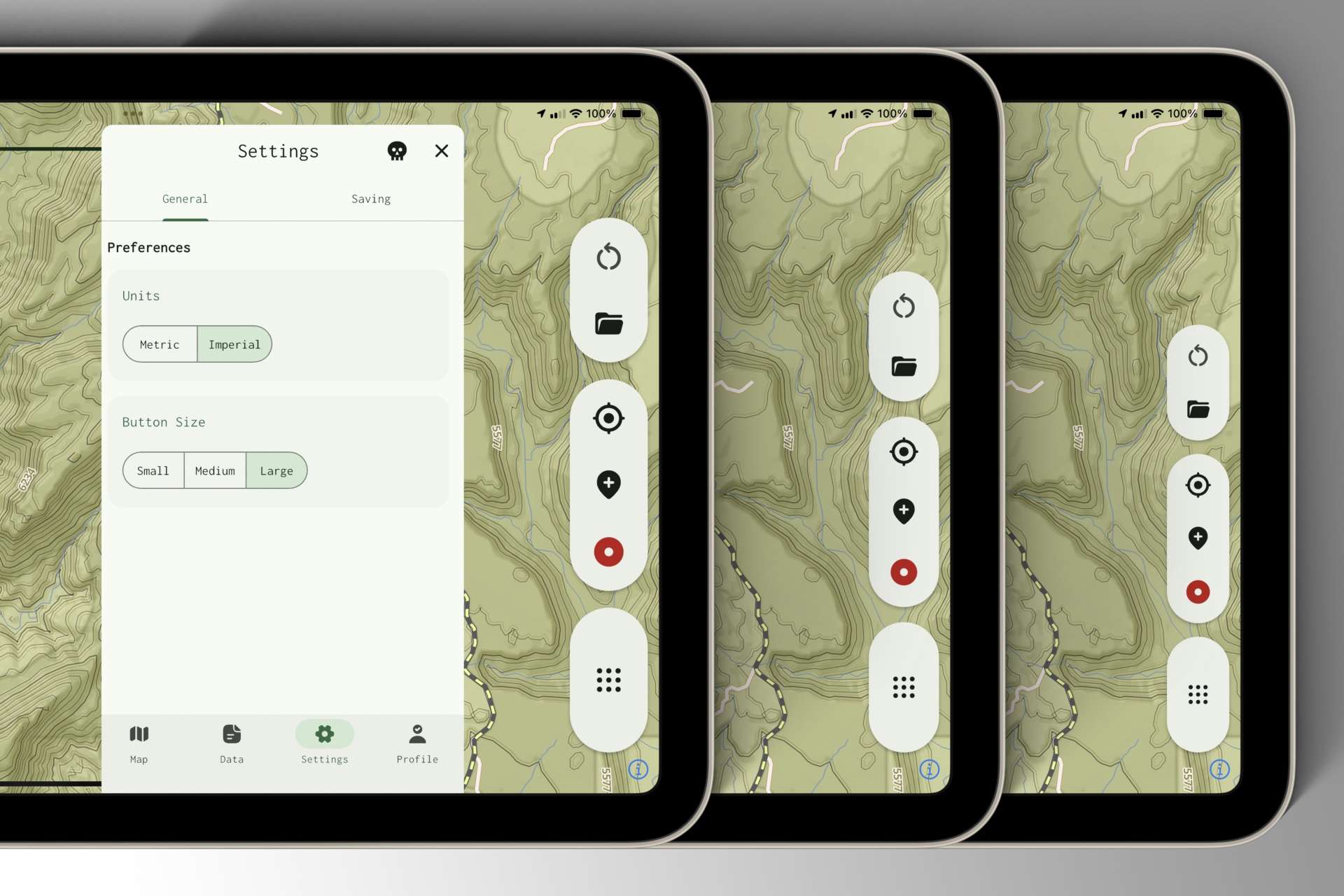
After taking the Jeep into the desert on Saturday and desperately trying to hit toolbar buttons while bouncing around, I went home and fast-tracked button size enlargement and customization controls. They work like this:
For devices with small displays, such as phones, the base button size is set to 100%. This feels good on phones — it’s not too small, but comfortable on screens with limited real estate.
For devices with larger displays, such as tablets, the base button size is set to 120%. Bumping the base up by 20% feels “just right” on my iPad mini in landscape orientation, which is the device pictured in the screenshots.
From there, you can further customize toolbar button size in the Settings menu by selecting Small, Medium, or Large. Small is currently the default, applying a +0% modifier; Medium applies +15%; and Large applies +30%.
As always, we’ll likely tweak these values as we continue testing on different devices.