
It’s been a little while since my last blog post, and not due to lack of progress — quite the contrary! As the feature set of Mapkind GPS becomes more complete, much of our time and energy is spent on unremarkable code reviews and optimizations: performance checks, energy utilization, CPU, memory consumption, and so on. We’ve made great strides on these fronts, but performance improvements aren’t the most exciting things to blog about!
I’m going to try to get back into the habit of more frequent updates, starting with this post…
Sometimes, when we’re out recording track logs — using any GPS app or device — we either forget to stop recording when our trip is complete, or we choose not to. Perhaps it’s too cumbersome to start/stop multiple tracks throughout the day, so we opt to let it run, yielding a single, monolithic track log.
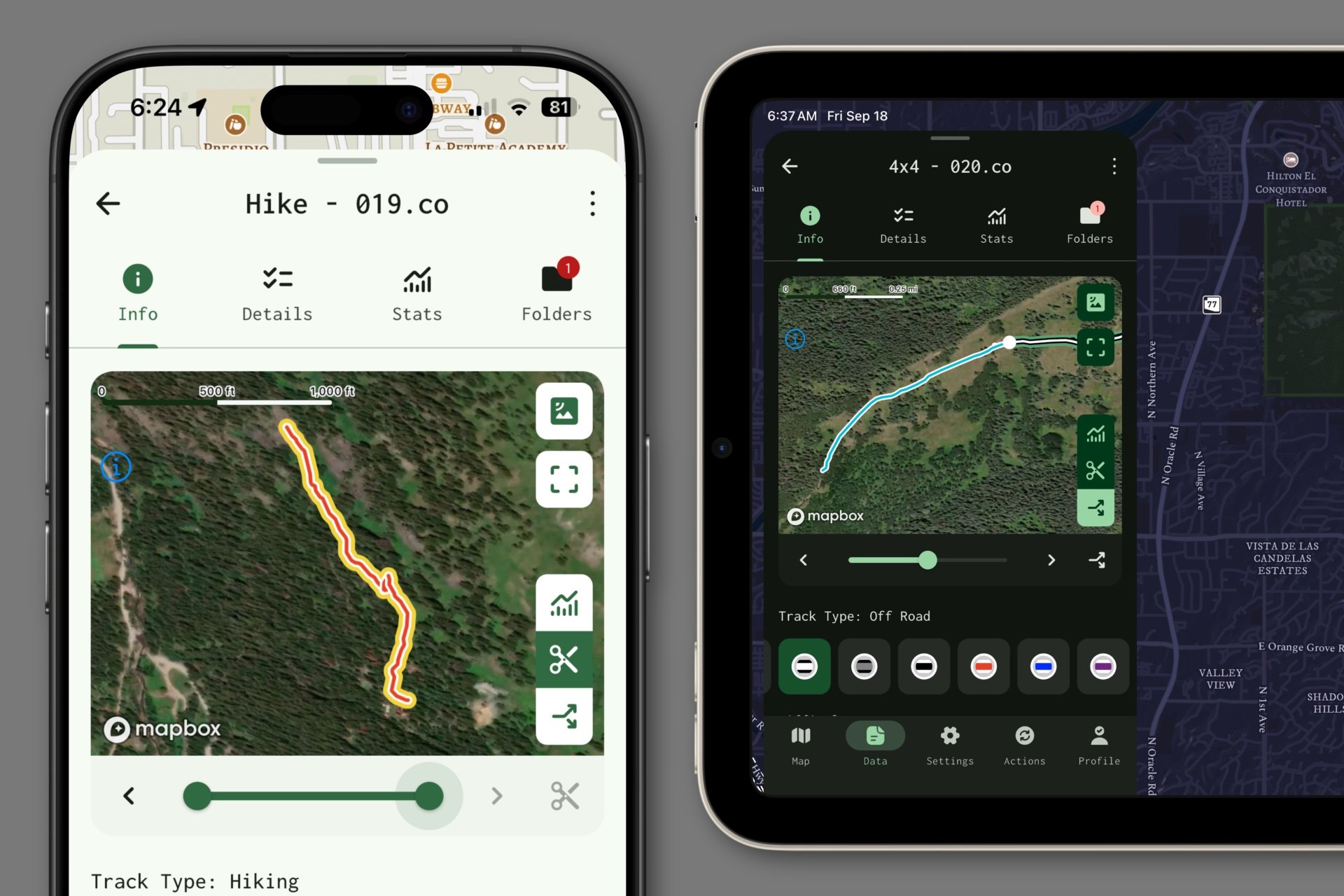
Now, the Mapkind GPS app features simple controls to crop a track log, effectively trimming leading or trailing data to the thresholds you specify. Or, you can use the “split” tool to divide monolithic track logs into multiple, smaller, more intentional pieces.